

If your monthly streaming stack has started to look like a cable bill in disguise, you are not imagining it. A single Netflix plan can run from about $6.99 per month with ads to around $22.99 per month for Premium in the U.S., and that is before you add Disney+, Hulu, Max, Prime Video, or a live TV service. The smart move in 2026 is not necessarily replacing one subscription with another. It is building a free, legal movie setup that covers weeknight comfort watches, cult classics, documentaries, family movies, and even some prestige titles without adding another recurring charge.
The catch? The best free streaming libraries are fragmented. Tubi may have the thriller you want, Pluto TV may have a live movie channel running all weekend, Kanopy may have award-winning indie films through your library, and The Roku Channel may quietly have a better free rotation than you expected. If you know where to look, you can recreate a surprisingly strong movie catalog for $0 per month. But titles rotate, so the best stuff often disappears quickly. Treat this like bargain hunting: when you see a movie you actually want, add it to your watchlist immediately.
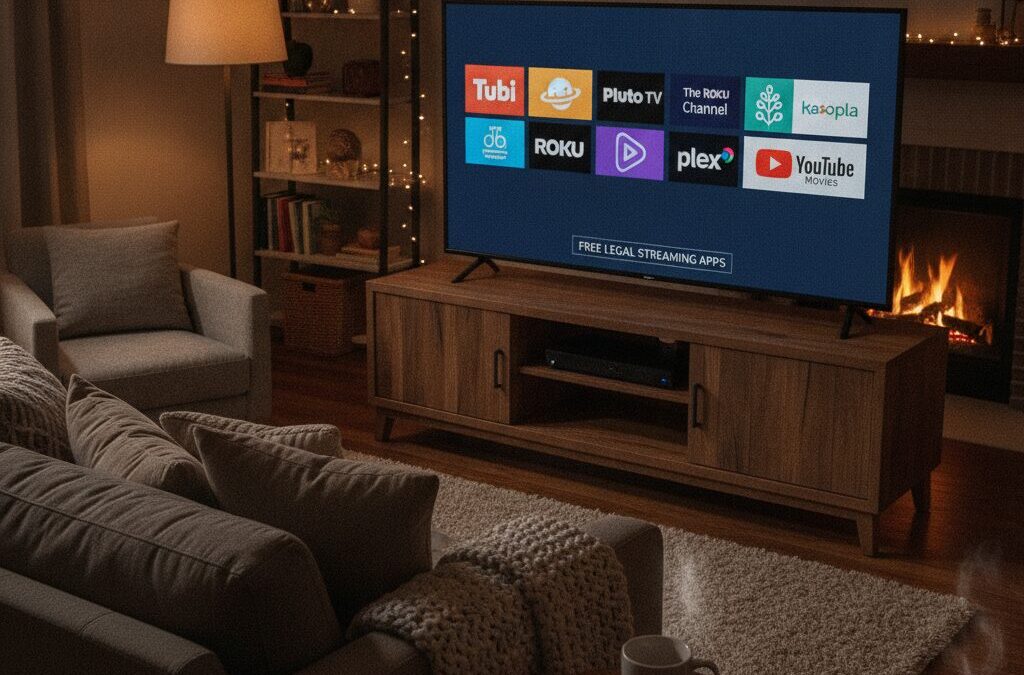
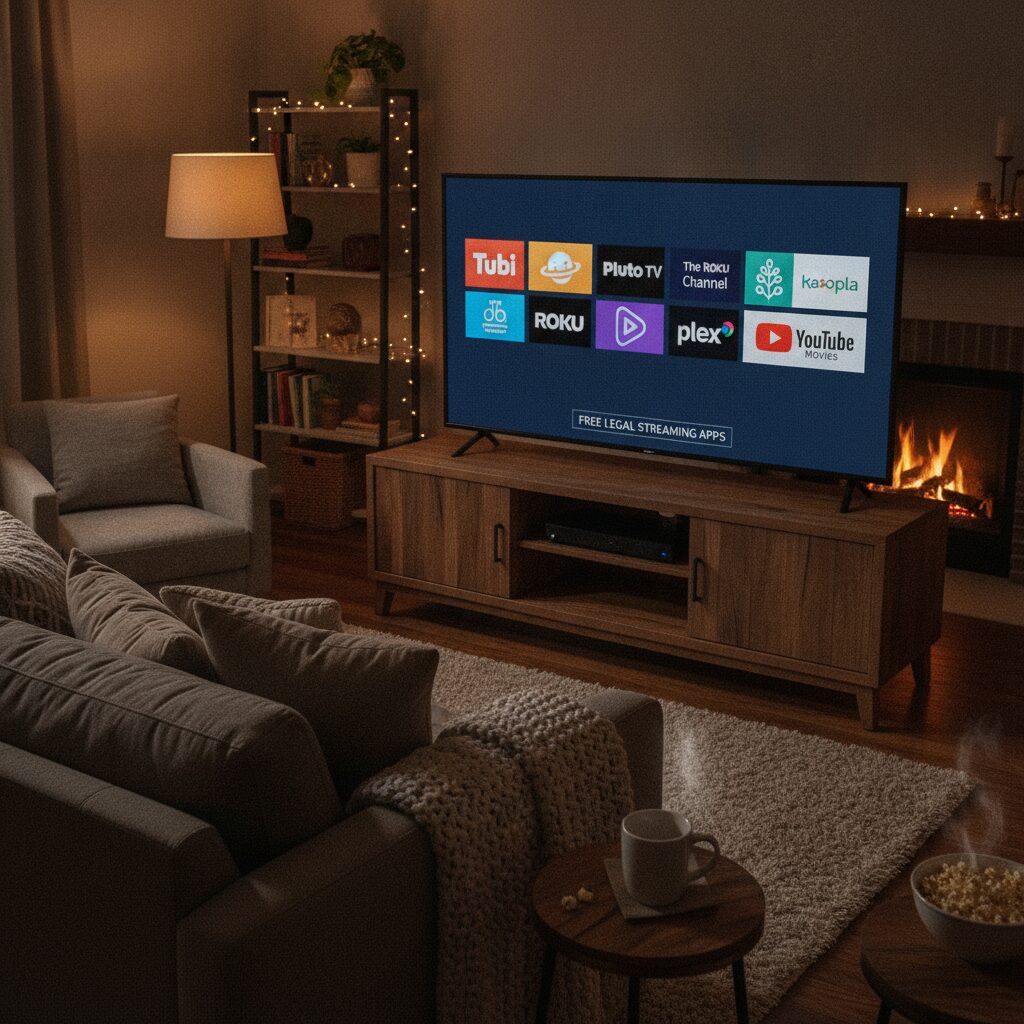
Image placement: A living room TV showing a grid of free streaming app icons like Tubi, Pluto TV, The Roku Channel, Kanopy, Hoopla, Plex, and YouTube Movies.
The Fastest Free Streaming Setup: Install These First
If you only have 20 minutes, start with these apps: Tubi, Pluto TV, The Roku Channel, Plex, Kanopy, Hoopla, and YouTube. This mix gives you on-demand movies, live themed channels, library-based ad-free films, and free ad-supported rentals. Most are available on Roku, Amazon Fire TV Stick, Apple TV, Android TV/Google TV, iPhone, iPad, Android phones, Samsung Smart TV, LG Smart TV, and web browsers.
For context, a Roku Express typically costs around $29.99, a Fire TV Stick often sells for $24.99 to $39.99 during promotions, and a Chromecast with Google TV has commonly landed around $29.99 to $49.99 depending on the model. If your smart TV is older and missing apps, a cheap streaming stick can pay for itself in one or two months compared with a premium subscription.
1. Tubi: The Best First Stop for Free Movies
Tubi is usually the strongest all-around free movie app for people trying to take a break from Netflix. It is legal, ad-supported, and owned by Fox Corporation. The library is huge, with rotating categories like action, Black cinema, horror, comedy, anime, cult classics, documentaries, and family movies. You will not usually find the newest theatrical hits, but you will find an enormous number of recognizable titles and guilty-pleasure picks.
Why it works
Tubi feels more like a real streaming service than a random free app. You can create a watchlist, resume playback, browse by genre, and discover films you forgot existed. The ads are the trade-off, but they are often less painful than sitting through a $15 to $23 monthly charge for a service you use twice a week.
Best for
Horror fans, action movie nights, cult classics, documentaries, and background comfort viewing.
Quick tip
Create a free account and use the watchlist aggressively. Tubi rotates titles, and popular movies can vanish before you get around to them.
2. Pluto TV: Best for Channel Surfing Without Cable
Pluto TV, owned by Paramount, is ideal if you miss the low-effort feeling of turning on a TV and letting something play. Instead of only offering on-demand titles, Pluto has hundreds of live-style channels, including movie channels organized by genre, decade, franchise, or mood. You may find channels dedicated to action, thrillers, westerns, sci-fi, classic TV, and Paramount-related programming.
The magic of Pluto TV is decision fatigue relief. Netflix often turns movie night into a 35-minute browsing session. Pluto TV lets you drop into a channel already in progress. That social-proof feeling matters too: if a movie is airing on a curated channel, it feels less random and more like an event.
Best for
People who want free live TV, weekend movie marathons, background viewing, and classic cable-style browsing.
Downside
You have less control with live channels, though Pluto also includes an on-demand section.
3. The Roku Channel: Free Movies Even If You Do Not Own a Roku
The Roku Channel is one of the most underrated free streaming options. Although it is deeply integrated into Roku devices, it is also available on web browsers and many compatible devices. It offers free ad-supported movies, TV shows, live channels, and Roku Originals. The catalog changes, but it frequently includes recognizable studio films, older hits, family content, and seasonal collections.
If you already own a Roku TV or a Roku Express, Streaming Stick 4K, or Roku Ultra, this should be pinned near the top of your home screen. Roku makes money when you watch ads, so it has a strong incentive to keep the free catalog useful.
Best for
Households with Roku devices, casual movie watchers, and people who want a clean interface with minimal setup.
4. Amazon Free Streaming Inside Prime Video: The Freevee Successor to Check
Amazon Freevee became known for free ad-supported movies and shows, but Amazon has been folding much of that free content experience into Prime Video under free-to-watch sections in many markets. You do not always need a Prime membership to watch every free ad-supported title, but availability can vary by country and device. Search inside the Prime Video app for free movies, free with ads, or similar labels.
This is worth checking because Amazon has serious licensing muscle. Even if you do not want to pay $14.99 per month for Prime or buy individual rentals at $3.99 to $5.99, the free ad-supported area can surface solid films and older studio titles.
Best for
People who already use Amazon devices like Fire TV Stick 4K, Fire TV Cube, or Echo Show, plus anyone willing to search carefully for free-with-ads labels.
5. Kanopy: The Premium Free Option Through Your Library
Kanopy is the hidden gem for viewers who want something more curated than random ad-supported catalogs. It partners with public libraries and universities, so access depends on your library card or school login. Unlike Tubi and Pluto, Kanopy is typically ad-free. Its library often leans toward indie films, documentaries, international cinema, classic films, educational content, and critically acclaimed titles.
The price anchor here is powerful: many films on Kanopy are the kind of titles you might otherwise rent for $3.99 or watch through a boutique service like Criterion Channel, which is commonly around $10.99 per month. With a participating library card, your cost can be $0.
Action steps to get Kanopy
Go to Kanopy.com, click to find your library, enter your library card details, and create an account. Some libraries provide a monthly ticket or credit limit, so prioritize movies you genuinely want to watch. Also check Kanopy Kids if you have children; many libraries offer generous or unlimited access to children’s content.
6. Hoopla: Library Streaming With Movies, Audiobooks, and More
Hoopla is another library-powered platform, and it can be even more practical than Kanopy for families because it often includes movies, TV, audiobooks, eBooks, comics, and music. Access depends on your local library system, and borrowing limits vary. Some libraries allow a set number of borrows per month, while others use daily budget limits that can temporarily block borrowing during high-demand periods.
Hoopla’s movie library is not always as prestige-focused as Kanopy, but it can include useful family films, documentaries, faith-based movies, fitness videos, educational programs, and indie titles. If your library supports both Kanopy and Hoopla, you have one of the strongest free entertainment combinations available.
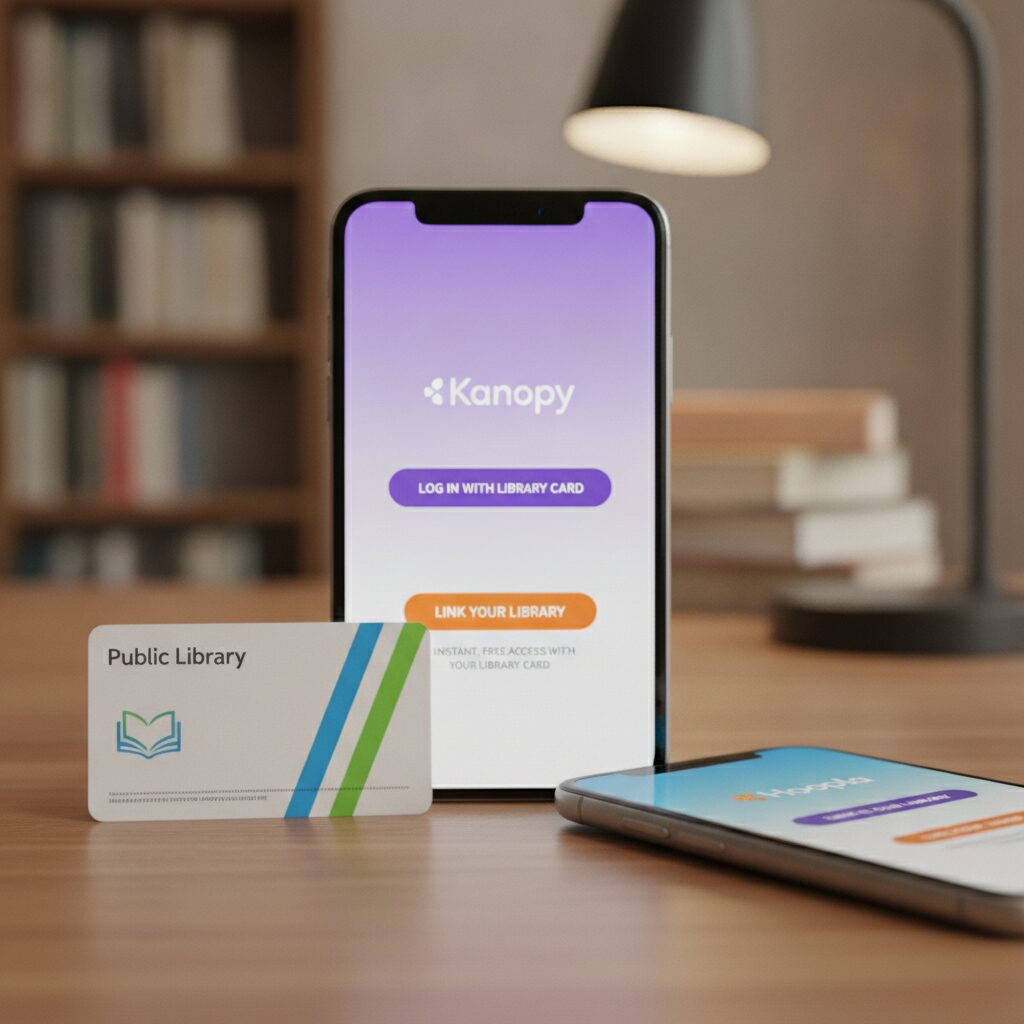
Image placement: Close-up of a library card beside a phone displaying Kanopy and Hoopla login screens, emphasizing free legal access.
7. Plex, Crackle, Fandango at Home, and YouTube: Bonus Free Movie Sources
Plex is no longer just a media server app. It also offers free ad-supported movies, shows, and live TV channels. It is especially useful if you like building one interface for personal media plus free streaming. Crackle has been around for years and remains a legal free source for rotating movies and shows, though its catalog can vary. Fandango at Home, formerly Vudu, includes a free section with ads alongside paid rentals and purchases. YouTube also has a free-with-ads movie section, though you need to distinguish full legal movies from random uploads that may disappear.
Do not ignore these secondary apps. The movie you cannot find on Tubi may be free on Plex. The title that costs $3.99 to rent on one store may be sitting in Fandango at Home’s ad-supported section. This is where FOMO works in your favor: free catalogs change constantly, so cross-check before paying.
How to Build Your No-Subscription Movie System in 30 Minutes
Step 1: Pick your device
Use the smart TV you already own, or add a low-cost streamer such as Roku Express, Roku Streaming Stick 4K, Amazon Fire TV Stick, or Chromecast with Google TV. If speed matters, choose a newer device rather than fighting with a sluggish five-year-old TV interface.
Step 2: Install the core apps
Download Tubi, Pluto TV, The Roku Channel if supported, Plex, YouTube, Fandango at Home, Kanopy, and Hoopla. Create free accounts where needed so your watchlists sync across devices.
Step 3: Get or renew your library card
Visit your local library website. Many systems let residents apply online. Once you have a card, check whether your library supports Kanopy, Hoopla, or both. This single step can unlock the highest-quality free movie catalog on this list.
Step 4: Search before you rent
Before paying $3.99 or $5.99 for a digital rental, search JustWatch, Reelgood, or the app stores directly to see whether the movie is free with ads or available through your library. This habit can save real money over a year.
Step 5: Make a weekly watchlist
Every Sunday, add five movies across your free apps. When Friday night arrives, you will not waste the evening scrolling. This also helps you catch titles before they rotate away.
Best Free App by Viewer Type
Best overall: Tubi. It has the deepest free on-demand movie feel for most people.
Best cable replacement vibe: Pluto TV. Perfect for live channels and passive viewing.
Best for Roku owners: The Roku Channel. Simple, integrated, and surprisingly strong.
Best for serious film fans: Kanopy. Excellent for documentaries, global cinema, and acclaimed indies.
Best for families and multi-format borrowing: Hoopla. Movies plus audiobooks, comics, and eBooks make it a high-value library perk.
Best backup sources: Plex, Fandango at Home, Crackle, and YouTube’s official free movie section.
Image placement: Comparison chart showing free streaming apps, cost per month, ad support, library-card requirement, and best use case.
The Bottom Line: Do Not Replace One Bill With Another Too Quickly
The smartest Netflix break is not always a jump to another paid platform. Try a 30-day free-streaming challenge first: cancel or pause one paid service, install the core free apps, activate Kanopy and Hoopla through your library, and build a watchlist before the weekend. If you still miss a specific paid catalog after a month, resubscribe strategically for one billing cycle, binge what you want, then rotate out again.
Your call to action is simple: before tonight, install Tubi and Pluto TV, check whether The Roku Channel works on your device, and apply for a library card if you do not have one. In less than half an hour, you can have a legal, free movie lineup that makes another monthly subscription feel far less urgent.

Unlock Full Article
Watch a quick video to get instant access.

Social Media