

Stop Using One News App for Everything—Here’s Why Your Strategy Needs a Tailored Stack
Most investors make the same mistake: they download one stock news app, expect it to work for every situation, and wonder why they’re missing critical information or drowning in irrelevant alerts. The truth? A day trader’s ideal news stack looks nothing like a dividend investor’s—and trying to force a one-size-fits-all solution wastes your time and money.
In 2026, the stock news app landscape has matured dramatically. Instead of choosing between Yahoo Finance, Bloomberg, or CNBC, savvy investors are building personalized “app stacks”—combinations of 2-4 specialized tools that work together seamlessly. This approach lets you capture breaking news when you need it, filter out noise when you don’t, and automate alerts that actually matter to your specific strategy.
Let’s build your ideal stack based on how you actually invest.

The Day Trader’s Stack: Speed and Real-Time Precision
Day traders live and die by milliseconds. Your news stack needs to deliver breaking alerts instantly, filter out long-term noise, and integrate with your charting platform seamlessly.
Core Apps for Day Traders
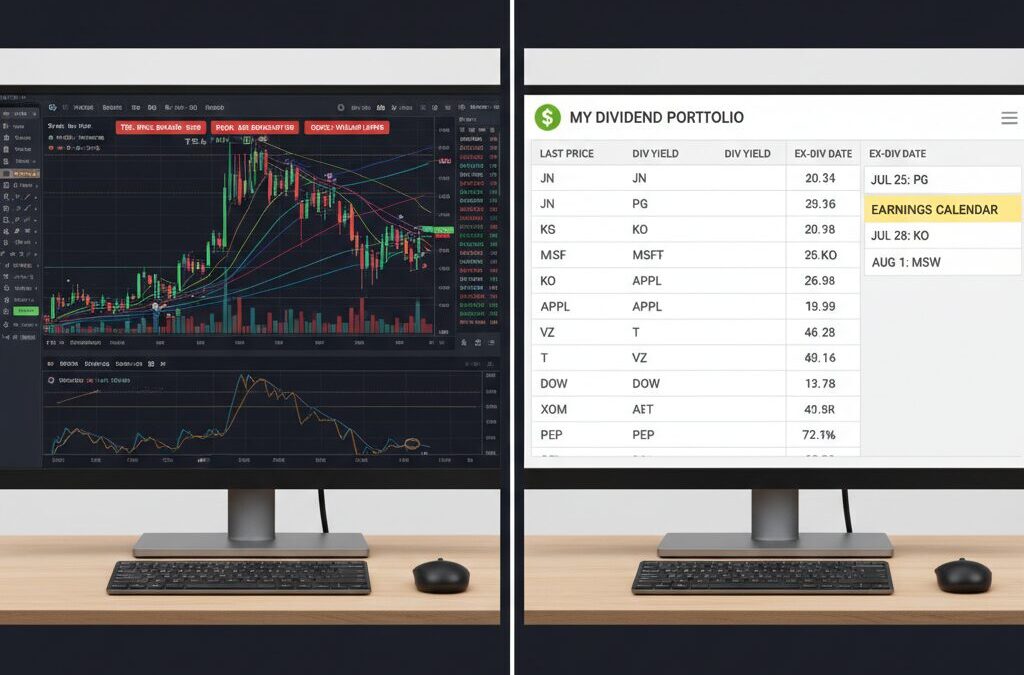
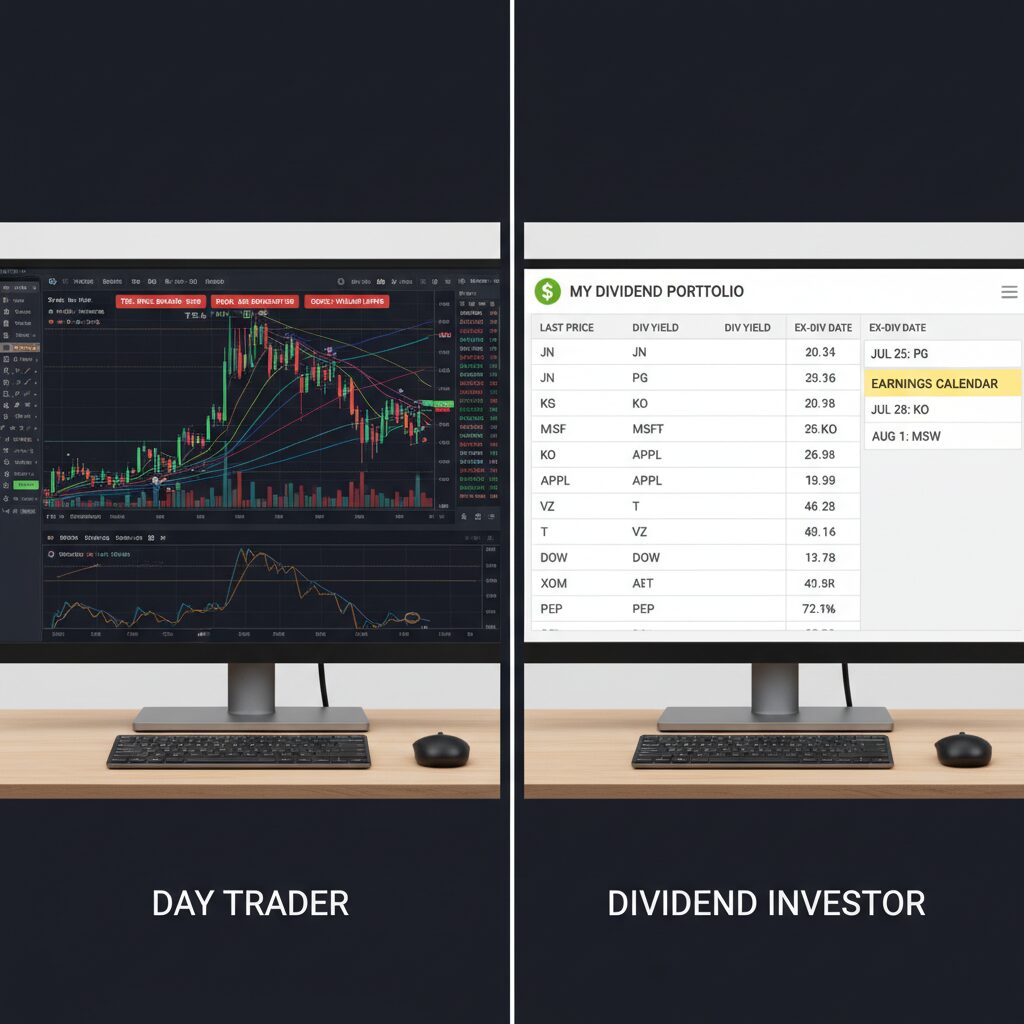
Primary: TradingView (Free + Premium)[3] TradingView dominates for active traders because it combines real-time charting with unlimited custom alerts. The free version covers essential price alerts and basic market news, while premium plans ($15-165/month depending on features) unlock advanced technical analysis tools. Day traders love TradingView because you can set alerts based on technical indicators—not just price levels. When your stock hits a specific moving average crossover or MACD divergence, you get instant notification. Apple Store rating: 4.9/5 (254k reviews); Google Play: 4.7/5 (618k reviews).[3]
Secondary: StockAlarm (Dedicated Alert Platform)[1][2] StockAlarm is the best overall for rapid, reliable stock alerts with advanced triggers across 10,000+ stocks, crypto, forex, and futures.[2] Unlike apps designed primarily for news, StockAlarm focuses exclusively on alert precision. Day traders use it to set multiple simultaneous alerts—price targets, volume spikes, technical breakouts—without opening the charting platform. It’s independent of any broker, meaning your alerts follow you across all your trading accounts.[2]
Tertiary: CNBC Mobile App (Breaking News)[1] CNBC is one of the fastest networks for breaking stock market news with a very active feed.[1] Day traders keep this app open during market hours for pre-market movers, earnings surprises, and Fed announcements. The free version delivers breaking news instantly; premium subscribers ($5.99/month) access exclusive analysis from figures like Jim Cramer.[1]
Day Trader Stack Setup
Configure TradingView as your primary workspace (charts + technical alerts). Use StockAlarm for price-based alerts on your watchlist. Keep CNBC open in a separate window for macro news that could trigger intraday volatility. This combination costs roughly $15-50/month depending on your TradingView subscription level, plus StockAlarm’s pricing (varies by plan).
The Swing Trader’s Stack: Balance Speed with Context
Swing traders hold positions for days to weeks, so you need news alerts that matter—but you also need context. You’re looking for catalysts (earnings announcements, FDA approvals, acquisition rumors) rather than minute-by-minute price ticks.
Core Apps for Swing Traders
Primary: Yahoo Finance (Free)[1][2][3] Yahoo Finance is probably the first app new investors turn to, and for swing traders, it’s an excellent choice.[1] It pulls news from all different sources and accumulates trending and relevant articles directly into your feed.[1] The app is completely free, includes news alerts for portfolio stocks, earnings calendar alerts, and simple price alerts with no account required.[2] Yahoo Finance covers everything from stocks to forex to cryptocurrencies.[1] Apple Store: 4.7/5 (569k reviews); Google Play: 4.6/5 (218k reviews).[3]
Secondary: Investing.com (Global Markets + Economic Calendar)[1] Investing.com covers global markets and financial events, unlike apps more centralized around American markets.[1] Swing traders benefit from its sleek economic events calendar—knowing when the Fed speaks or jobs reports release helps you anticipate volatility. The app’s stock market reporting is consistently unbiased and top-notch.[1] Free version available; premium adds advanced tools.
Tertiary: StockTwits (Community Intelligence)[1] StockTwits is like Twitter and Yahoo Finance merged—it’s the world’s largest network of investors and traders providing an excellent forum for knowledge and information.[1] Swing traders use it to gauge sentiment shifts, spot emerging catalysts, and follow experienced traders discussing specific stocks. The platform includes breaking news feeds, economic calendars, and stock charts, all free.[1]
Swing Trader Stack Setup
Set Yahoo Finance as your primary news aggregator with alerts for earnings dates and significant price moves (5-10% changes). Use Investing.com’s economic calendar to mark high-impact events. Monitor StockTwits for sentiment shifts among institutional traders. Total cost: $0 (all free). Time investment: 15-20 minutes daily.
The Dividend Investor’s Stack: Passive Income Optimization
Dividend investors need different information entirely. You’re tracking dividend announcement dates, ex-dividend dates, yield changes, and company fundamentals—not price volatility.

Core Apps for Dividend Investors
Primary: Yahoo Finance (Free)[2] Yahoo Finance’s earnings calendar alerts and news feeds make it ideal for dividend investors.[2] You can customize notifications for dividend-paying stocks in your portfolio and receive alerts when companies announce dividend changes. The free watchlist feature lets you easily track all relevant news for dividend stocks.[4]
Secondary: WallStreetZen (Analyst Tracking)[4] WallStreetZen is the best site for tracking stock analyst performance, covering over 7,000 stocks, ETFs, and mutual funds with historical data.[4] Dividend investors benefit from analyst ratings changes and forecast updates—when an analyst downgrades a dividend stock, you want to know immediately. Free membership available; premium plans range from $7.99-$27.99/month.[4]
Tertiary: MarketWatch (Income-Focused News)[1] MarketWatch provides customizable watchlists, breaking news feeds, and individual stock data—useful for tracking dividend announcements and company news.[1] The free version is limited but sufficient for monitoring your dividend portfolio.
Dividend Investor Stack Setup
Configure Yahoo Finance alerts for earnings announcements (which often include dividend news) and price changes exceeding 8-10%. Use WallStreetZen’s free membership to track analyst sentiment on your holdings. Check MarketWatch weekly for dividend news. Total cost: $0-$27.99/month. Time investment: 10 minutes daily.
The Long-Term ETF/Retirement Investor’s Stack: Macro Focus, Minimal Noise
Long-term investors holding index funds, ETFs, and retirement accounts need macro-level news—Fed policy, economic data, market trends—not individual stock movements.
Core Apps for Long-Term Investors
Primary: Yahoo Finance (Free)[1][4] Yahoo Finance aggregates market-level news and economic data, making it perfect for tracking overall market conditions without individual stock noise.[4] The free watchlist lets you monitor broad market indices and sector ETFs.
Secondary: Investing.com (Economic Calendar + Global Markets)[1] The economic events calendar is essential for long-term investors.[1] Knowing when major economic data releases occur helps you understand market movements and stay informed about Fed policy changes affecting your retirement accounts. Regional versions can be customized to your preference.
Tertiary: CNBC (Macro News and Analysis)[1] CNBC’s breaking news feed keeps you informed about major market events, Fed announcements, and economic trends affecting your long-term holdings.[1] The free version is sufficient; premium ($5.99/month) adds deeper analysis.
Long-Term Investor Stack Setup
Check Yahoo Finance and Investing.com’s economic calendar weekly rather than daily. Set minimal price alerts (only alert you if a holding drops 15%+ in a month). Monitor CNBC during major economic announcements. Total cost: $0-$5.99/month. Time investment: 15-30 minutes weekly.
Implementation: Building Your Stack Today
Start by identifying which investor profile matches your strategy. Download your primary app this week—most are free or offer free trials. Configure alerts matching your timeline (day traders: hourly checks; swing traders: daily; dividend/long-term: weekly). Within 7 days, add your secondary app and adjust settings based on what information you actually use.
The goal isn’t to use every tool available—it’s to use the right combination for your specific strategy. Your stack should save time, reduce noise, and deliver exactly the information you need when you need it.

Start building your personalized stack today. Your investing strategy deserves tools designed specifically for how you actually trade.

Unlock Full Article
Watch a quick video to get instant access.

Social Media