

You only shop for a serious security system a few times in your life—but a bad choice can lock you into a long, expensive contract and leave your home under‑protected when it matters most. In 2026, the market is crowded with slick apps, smart cameras, and “limited‑time” deals, yet the real difference between a close call and a catastrophe usually comes down to one thing: whether trained pros are watching your system 24/7 and how fast they can get help to your door.[1][2][5]
This step‑by‑step guide walks you through how to choose a modern, professionally monitored setup—from assessing your home to picking equipment bundles, comparing monitoring plans, and deciding between DIY and full‑service installs. Use it like a checklist so you don’t miss a detail that could cost you thousands later.
Step 1: Map Your Real‑World Risks (Before You Look at Brands)
Most people start with brand names like ADT, Vivint, or SimpliSafe, but professionals start with your layout and lifestyle.[2]
Do a 15‑minute “weak‑spot” walkthrough
Grab your phone and walk your property like an intruder would:
- List every entry point: front door, back door, garage access door, ground‑floor windows, basement windows.
- Note blind spots: side yards, dark corners, detached garages, back alleys.
- Flag valuables: home office with electronics, gun safes, jewelry areas, mail/package drop zones.
This becomes your sensor and camera shopping list. A typical 3‑bed/2‑bath home usually needs at least 3 door sensors, 4–6 window sensors, 1–2 motion detectors, and 2–3 cameras for full coverage.[1][3]
Match threats to equipment
- Break‑ins: door/window sensors, motion sensors, outdoor cameras, yard/window decals.
- Fire/CO: monitored smoke and carbon monoxide sensors (not just standalone beepers).[2][4]
- Water damage: leak detectors near water heaters, basements, laundry rooms.[2]
Systems that include environmental monitoring (fire, CO, leaks) under the same professional plan turn your security bill into whole‑home risk management.[2][4]
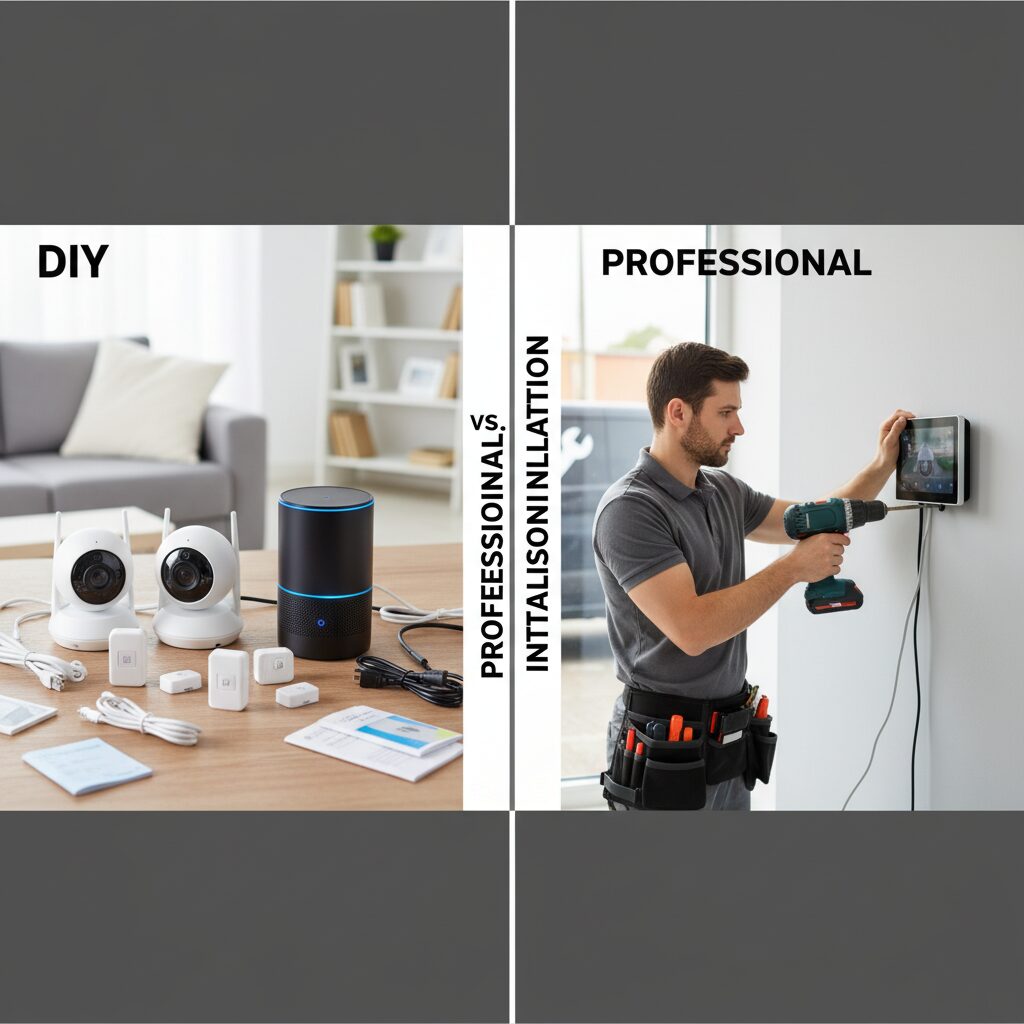
Step 2: Decide Your Install Style—DIY vs. Full‑Service
This decision shapes everything: your upfront cost, your contract length, and how flexible your system will be if you move or want to expand later.
DIY systems: fast, flexible, and contract‑optional
Leading DIY‑friendly brands in 2026 include SimpliSafe, Ring Alarm, Cove, and Abode.[1][3][6]
- Typical starter kit price: around $200–$400 for a base station, keypad, a few sensors, and sometimes a camera.[1][3]
- Monitoring: month‑to‑month, usually no long contract; cancel anytime.[1][3]
- Pros: lower upfront labor cost, easy to move, ideal for renters or frequent movers.[3][8]
- Cons: you’re responsible for setup; advanced automation may take more tinkering.
Example: SimpliSafe’s monitored plans start around $21.99/month and don’t lock you into multi‑year contracts.[2] Ring’s pro monitoring starts around $19.99/month, with equipment packages from roughly $199.99 for basic kits.[1]
Pro‑install systems: more hands‑off, more contract
Brands like ADT and Vivint skew toward professionally installed systems with robust monitoring.[2][3][6][7]
- Upfront costs: average starter equipment around $326.30, with high‑end packages (especially ADT) going over $1,000.[1]
- Monitoring: typically $29.99–$40+/month depending on video/automation features.[2][3]
- Contracts: 3–5 years are common, often with early termination fees.[3][7]
- Pros: expert system design, professional wiring, integrated smart home options.
- Cons: harder to change providers, higher long‑term cost if you outgrow the system.
If you hate the idea of troubleshooting devices or climbing ladders for camera placement, a pro‑install path often pays for itself in fewer headaches.
Step 3: Understand How Professional Monitoring Really Works
In 2026, you can self‑monitor for free via an app, but professionally monitored plans are what transform alarms from “loud noises” into verified emergencies.[1][2][5]
What you’re actually buying with monitoring
- 24/7 staffed centers: trained agents receive alerts from your sensors, call you, and dispatch police, fire, or medical help if needed.[2][5]
- Faster, more credible dispatch: alarms coming from certified monitoring stations are often prioritized over random 911 calls.[2]
- Verification tools: some systems allow monitoring agents to briefly access cameras after an alarm to verify intruders (sometimes called live or virtual guard monitoring).[1][4]
Average monitoring fees run around $32/month, with a common price point near $24.99/month.[1] Entry‑level plans for top DIY systems start around $20–$22/month, while big pro brands can reach $50–$60+ when you add cameras and automation.[2][3]
Key contract questions to ask sales reps
- Is monitoring month‑to‑month or a 3–5‑year agreement?
- What are the early‑termination fees?
- Does the price increase after year one (intro offers vs. regular rates)?
- Is equipment yours or leased?
Security.org recommends budgeting $30–$60/month for monitoring that includes smart automation and cloud video storage.[3] Use that as your anchor: offers far above that should justify themselves with very specific, valuable extras.
Step 4: Choose Your Connection: Cellular vs. Landline vs. Wi‑Fi Backup
How your system talks to the monitoring center is just as important as the sensors themselves.[1][3][5]
Cellular: the 2026 default for serious protection
Most modern systems rely on a cellular connection to send alerts, with optional Wi‑Fi for app control.[3][5]
- Pros: works even if your internet or power goes out (with battery backup); harder for intruders to tamper with than a landline.[3][5]
- Cons: slightly higher monthly cost than landline‑only plans; needs cellular coverage where you live.
Many mid‑tier and premium monitoring plans now bundle cellular backup by default—Cove, for example, includes cellular backup in its pro monitoring plans starting around $19.99/month.[3]
Landline: legacy option with lower resilience
Some traditional providers still offer landline‑based monitoring, but it is increasingly considered a fallback in areas with poor cellular coverage.[5]
- Pros: can be slightly cheaper; works in areas with no cell signal.
- Cons: lines can be physically cut; less future‑proof as landlines are phased out in many regions.
Wi‑Fi and hybrid setups
Wi‑Fi is excellent for fast notifications and video, but by itself it is vulnerable to router reboots, ISP outages, or intentional jamming.[3][5]
- Look for systems that use Wi‑Fi plus cellular backup for monitoring traffic.
- Ensure your base station has at least 24 hours of battery backup to ride out power cuts.
Step 5: Build the Right Equipment Bundle for Your Budget
Instead of grabbing the fanciest mega‑bundle, start from your walkthrough list and layer up.
Baseline package (for apartments & smaller homes)
- 1 hub/base station + keypad
- 3–4 door/window sensors
- 1 motion sensor
- 1–2 indoor cameras or a single video doorbell
Average starter equipment for mainstream providers runs around $326, though highly promoted pro systems (like some ADT packages) can exceed $1,000 in hardware.[1] Many DIY brands offer sub‑$300 kits, especially during seasonal sales.
Enhanced package (for families & single‑family homes)
- All baseline gear, plus window sensors for all accessible windows
- 2–3 outdoor cameras covering driveway, backyard, side yard
- Monitored smoke/CO sensors on each floor
- 1–2 smart locks for main doors
- Water leak sensors in basement, near water heater, laundry
When comparing bundles, focus on:
- Environmental coverage: Does your plan include fire, CO, and leak alerts, or are they extra?[2][4]
- Camera storage: Is video storage local, cloud, or both? How many days are included before footage is overwritten?[3]
- Scalability: Can you easily add sensors later without a tech visit?
Current brand examples and pricing anchors (2026)
- SimpliSafe: DIY install, equipment kits often around the mid‑$200s on promo; monitoring plans from about $21.99/month with no long‑term contract.[2][3]
- Ring Alarm: Equipment starting near $199.99; pro monitoring from about $19.99/month, with optional “virtual guard” camera monitoring at higher tiers.[1]
- Cove: Simple plans with pro monitoring starting around $19.99/month including cellular backup and environmental monitoring; add video for about $10 more.[3]
- Vivint: Full‑service install, robust smart home gear; monitoring commonly starts around $29.99/month and generally assumes you’ll stay professionally monitored long‑term.[2][3][6]
- ADT: Long‑established pro brand; starter equipment can exceed $1,000 for more advanced packages, with monitoring often in the $30–$40+/month range depending on services.[1][2][7]
Step 6: Use Reviews and Response Times as Your Tie‑Breaker
Most systems can detect a door opening. The big difference is what happens in the 60 seconds after that sensor trips.
What to look for in expert and user reviews
- Average alarm response time: Some services, like Cove, report around 45‑second average response times in testing.[3]
- False‑alarm handling: Do they call first? Text? Can you cancel via app instantly? Fewer police fines, less stress.
- App reliability: Frequent app crashes or notification delays are red flags, especially if you also use self‑monitoring.
- Customer support: Pay attention to how they handle billing errors and equipment replacements in recent reviews (not ones from five years ago).
Step 7: Lock In a Smart Deal—Without Getting Trapped
Once you’ve narrowed it down to 2–3 providers, use these final tactics to get more value and avoid regrets.
Negotiation and timing tips
- Leverage averages: With an average monitoring price around $32/month, push any quote much higher than that to justify what you’re getting.[1]
- Ask for pro install credits: Some companies waive installation (often around $124) during promos or if you commit to a higher tier of monitoring.[1]
- Check for free equipment deals: A few traditional providers still offer $0 starter equipment in exchange for multi‑year commitments—good only if you’re sure you’ll stay.[1][2]
- Insurer discounts: Ask your home insurer what discount they give for professionally monitored burglary and fire coverage; this can offset part of your monthly fee.
Final 10‑minute pre‑purchase checklist
- Coverage: every key door/window, main living area, and at least one camera on entrances.
- Connection: cellular or Wi‑Fi + cellular backup with battery.
- Monitoring: 24/7 pro monitoring with clear dispatch and cancellation process.
- Contract: length, early‑termination cost, and any price increases are in writing.
- Scalability: easy to add sensors and cameras as your home or family grows.
If you follow these steps in order—home assessment, install style, monitoring method, connection type, bundle selection, review research, and smart negotiation—you’ll avoid the most common, expensive mistakes homeowners still make in 2026. Your next move: shortlist two DIY‑friendly providers and one pro‑install provider that match your budget, then run each of them through the checklist above. By tonight, you can have a clear, confident decision—and a path to real 24/7 protection instead of just another blinking keypad.

Unlock Full Article
Watch a quick video to get instant access.

Social Media